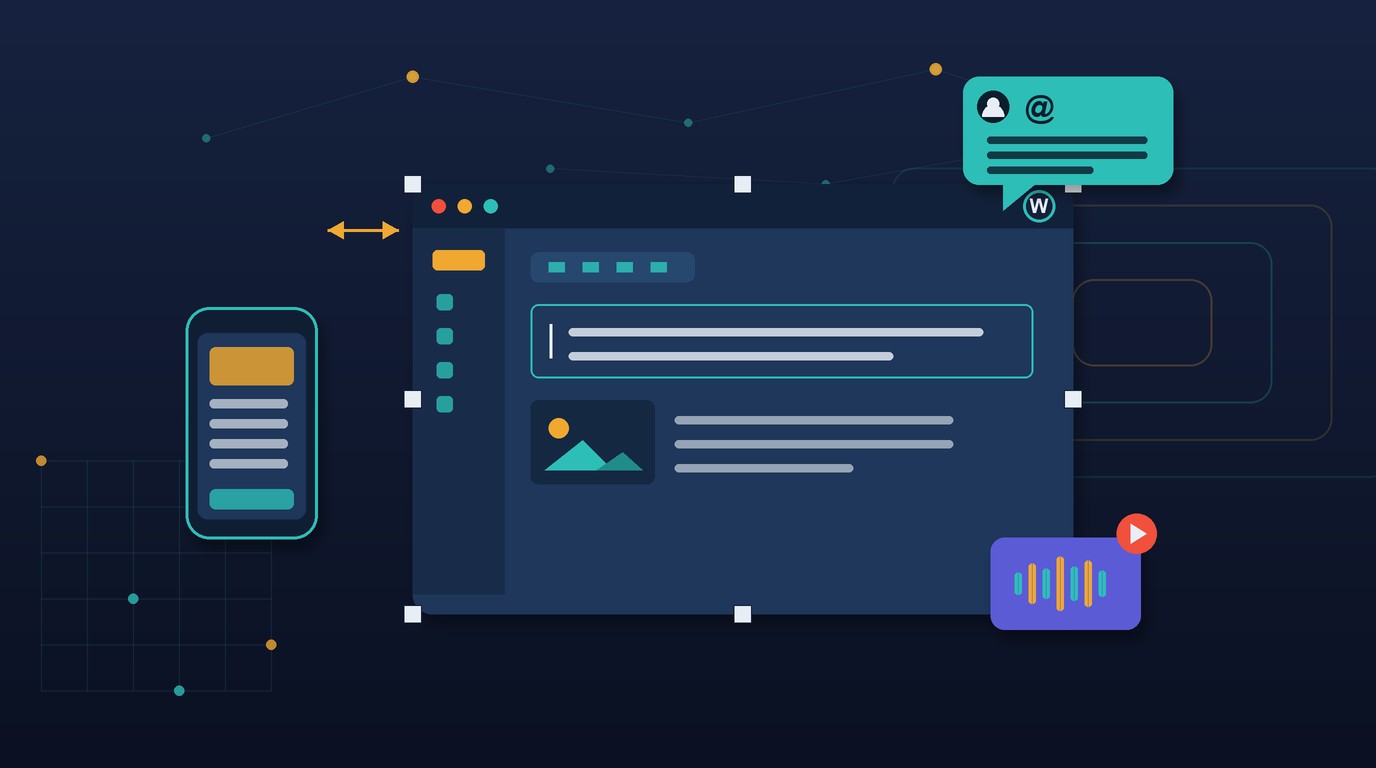
July 15, 2026 — WordPress 7.1 Beta 1 landed today, opening the testing window on a release that quietly reorganizes three things publishers care about most: how teams collaborate inside a document, how much design control lives in the editor instead of a stylesheet, and how the media library handles the modern formats reporters actually shoot in. Notes grow into real threaded collaboration, responsive and interactive styling move into the editor UI, and client-side processing finally accepts HEIC, AVIF, and UltraHDR without a plugin. Final release is scheduled for August 19, which makes the next five weeks the window to test against your theme and workflows before it reaches production.
Key Themes
- Notes gain text formatting, @mentions, multiple conversations per block, and inline notes on text selections — turning a lightweight comment feature into something a desk can actually run an edit on.
- Responsive and interactive styling move into the editor: define how a block looks at different breakpoints and on hover or focus, with custom breakpoints declared in
theme.json, eliminating custom CSS for many layouts. - Client-side media processing now handles HEIC, UltraHDR, AVIF, and WebP, converts GIFs to video, and adds a dedicated Media Editor Modal plus infinite scrolling and more resilient uploads.
- Two new blocks ship: a Playlist block for audio collections with optional waveform visualization, and a Tabs block for organizing content into clickable panels.
- The admin gets a persistent Omnibar toolbar across editors, a grouped command palette, admin color schemes in the Site Editor, and a visual revisions picker — plus an enforced iframed editor that developers need to prepare for.
Jump to: 🗒️ Collaborative Notes · 📱 Responsive Styling · 🖼️ Media Library · 🧱 New Blocks · 🎛️ Admin Experience · 🛠️ For Developers · 🧪 How to Test · 💡 Takeaways
🗒️ Notes Become Real Editorial Collaboration
The Notes feature that arrived as a lightweight annotation tool gets the upgrade that makes it usable for an actual editing pass. In 7.1, notes support text formatting — bold, italic, code, links, and emoji — plus @mentions to tag a specific collaborator directly, multiple conversations per block, inline notes anchored to a text selection rather than a whole block, and collapsible long notes so a heated thread doesn’t overwhelm the canvas.
Why this matters: This is the difference between “leave a comment” and “run an edit in the document.” For a newsroom, the editorial back-and-forth has historically lived in Google Docs, Slack, or a CMS bolt-on, then gotten copy-pasted into WordPress at the end — a lossy handoff where context evaporates. Threaded, formatted, @mentionable notes attached to a specific selection mean the line edit, the query to the reporter, and the resolution all live where the story does. It moves WordPress a step closer to being the place the work happens, not just where it gets published, and it does so without a third-party collaboration layer to license, secure, and integrate.
📱 Responsive and Interactive Styling, Without the CSS
7.1 lets you define how a block looks at different screen sizes directly in the editor, with custom breakpoints defined in theme.json, and adds interactive state styling for hover and focus effects. Layouts that previously required a developer to hand-write media queries and pseudo-class rules can now be configured in the interface.
Why this matters: The cost of a responsive design tweak has always been a developer ticket. An editor who wants a pull quote to stack differently on mobile, or a call-to-action button that changes on hover, files a request and waits for a deploy. Pushing breakpoint and interactive styling into the editor collapses that loop — the people closest to the reader can make presentation decisions without touching a stylesheet or a release cycle. For lean media teams, this is fewer developer tickets on layout minutiae and more design iteration owned by the desk. The theme.json breakpoint definitions also keep it governed: the design system stays centralized even as editing gets distributed.
🖼️ The Media Library Catches Up to Modern Formats
Client-side processing now supports HEIC, UltraHDR, AVIF, and WebP, with automatic GIF-to-video conversion, a dedicated Media Editor Modal, automatic gallery media detection, infinite scrolling in the Media Library, and more resilient uploads with progress indicators.
Why this matters: HEIC is what an iPhone shoots by default, and for years the answer inside WordPress was “convert it first.” A photojournalist uploading straight from a phone, or a social team pulling UltraHDR frames, hit a wall the CMS should never have put there. Accepting these formats natively — and processing them in the browser rather than hammering the origin server — removes friction at the exact moment speed matters, and it eases load on the infrastructure that image processing traditionally taxes. GIF-to-video conversion quietly trims page weight on the animated content that clutters so many articles, and resilient uploads with progress indicators mean a flaky newsroom connection no longer loses a 40-megapixel file halfway through.
🧱 Two New Blocks: Playlist and Tabs
7.1 introduces a Playlist block for presenting audio collections with optional waveform visualization, and a Tabs block for organizing content into clickable tabbed panels. Alongside them, block-level improvements let background gradients combine with images, give the HTML block nested editable content, add a “Mark as decorative” toggle to images, and improve shortcode handling in the Embed block.
Why this matters: The Playlist block is a real answer for audio-forward publishers — podcast networks, radio brands, and any newsroom running an audio edition now have a native way to present an episode collection without embedding a third-party player and inheriting its tracking, ads, and load cost. The Tabs block solves the perennial “long explainer that needs to be scannable” problem — think product comparisons, FAQ groupings, or multi-market coverage — natively, instead of via a plugin or custom pattern that breaks on the next update.
🎛️ A Calmer, More Consistent Admin
The administrative experience gets a batch of quality-of-life work: a persistent Omnibar toolbar that stays consistent across editors, a command palette with grouped results, admin color scheme support in the Site Editor, post excerpts in list view, a visual revisions picker, a dedicated Site Identity section, an “On This Day” dashboard widget, and editable comment parent functionality.
Why this matters: None of these headline a release, but together they reduce the small frictions that add up across a day of production. A persistent toolbar and a grouped command palette mean an editor bouncing between the post editor and the site editor stops relearning where things are. A visual revisions picker turns “which version had the corrected quote?” from a guessing game into a glance. Post excerpts in list view help a desk triage a content queue at scale. For managed and enterprise publishers, admin color scheme support in the Site Editor is also a step toward the branded, consistent admin that larger organizations increasingly expect their teams to work inside.
🛠️ For Developers: The Iframed Editor Gets Enforced
The developer surface in 7.1 is substantial. The Abilities API expands with querying and validation. Block Bindings now work on List Item elements. New functions allow custom icon registration. Connectors gain username and application-password authentication. The wordpress/theme package is stabilized. And critically, the iframed editor is now enforced, which requires Block API v3.
Why this matters: The enforced iframed editor is the line item to act on now, not in August. Blocks and plugins still on Block API v2 that assume they share a document with the editor chrome can break when the canvas is isolated in an iframe — styles that leaned on the parent document, or scripts that reached outside the editor, are the usual casualties. This is exactly what a beta window exists to surface: teams running custom blocks should test in 7.1 Beta 1 immediately and budget migration time before the August 19 release. The Abilities API expansion, meanwhile, is the thread to keep watching — it’s the substrate the platform is building toward for structured, agent-readable capabilities, and each release moves more of it toward core.
♿ Also in 7.1: Accessibility and Global Reach
On accessibility, images can now be hidden from screen readers when marked decorative, so assistive technology skips the visual noise instead of announcing it. And Unicode email address support lands, letting users with non-ASCII addresses register and be contacted — a meaningful step for publishers with genuinely global audiences whose readers’ email addresses were previously rejected outright.
🧪 How to Test WordPress 7.1 Beta 1
Beta software should not run on a production site — test on staging or a throwaway environment. There are four ways in:
- WordPress Beta Tester plugin — install it and select the “Bleeding edge” channel.
- Direct download — grab the beta zip and install manually.
- WP-CLI — run
wp core update --version=7.1-beta1. - WordPress Playground — test in the browser with no setup at all.
Found something? Report it in the Alpha/Beta support forum or file a ticket on WordPress Trac. Contributors are welcome regardless of experience level, and the #core-test Slack channel is the place to get oriented. As the release team puts it, testing for issues is a critical part of developing any software — and a beta is only as good as the range of real themes, plugins, and workflows thrown at it.
💡 Takeaways
- Test custom blocks against the enforced iframed editor now. Block API v3 is required, and v2 blocks that assume a shared document are the most likely thing to break before August 19 — this is the highest-priority action for any team running custom blocks.
- Pilot the upgraded Notes with your desk. Formatted, threaded, @mentionable inline notes are enough to move an edit pass into WordPress — evaluate whether they can replace the external doc handoff that loses context today.
- Put responsive and interactive styling in front of your editors. If breakpoint and hover styling can move to the desk, you convert a class of developer tickets into self-service — decide which layout decisions you’re comfortable distributing.
- Confirm the new media formats against your workflow. HEIC and UltraHDR acceptance plus client-side processing change how photo and social teams upload — verify the pipeline and check the infrastructure impact of browser-side processing on your environment.
- Mark August 19 and use the five weeks. A beta window is leverage only if you spend it — schedule staging tests against your real theme and plugin stack so surprises surface now, not on release day.
The full announcement is available on the WordPress.org News blog.