The WordPress 7.0 field guide dropped today with 419 Trac tickets, 411 Gutenberg enhancements, and a modernized admin. It’s a big release. Here’s what matters most if you run a publishing operation.
The AI infrastructure layer
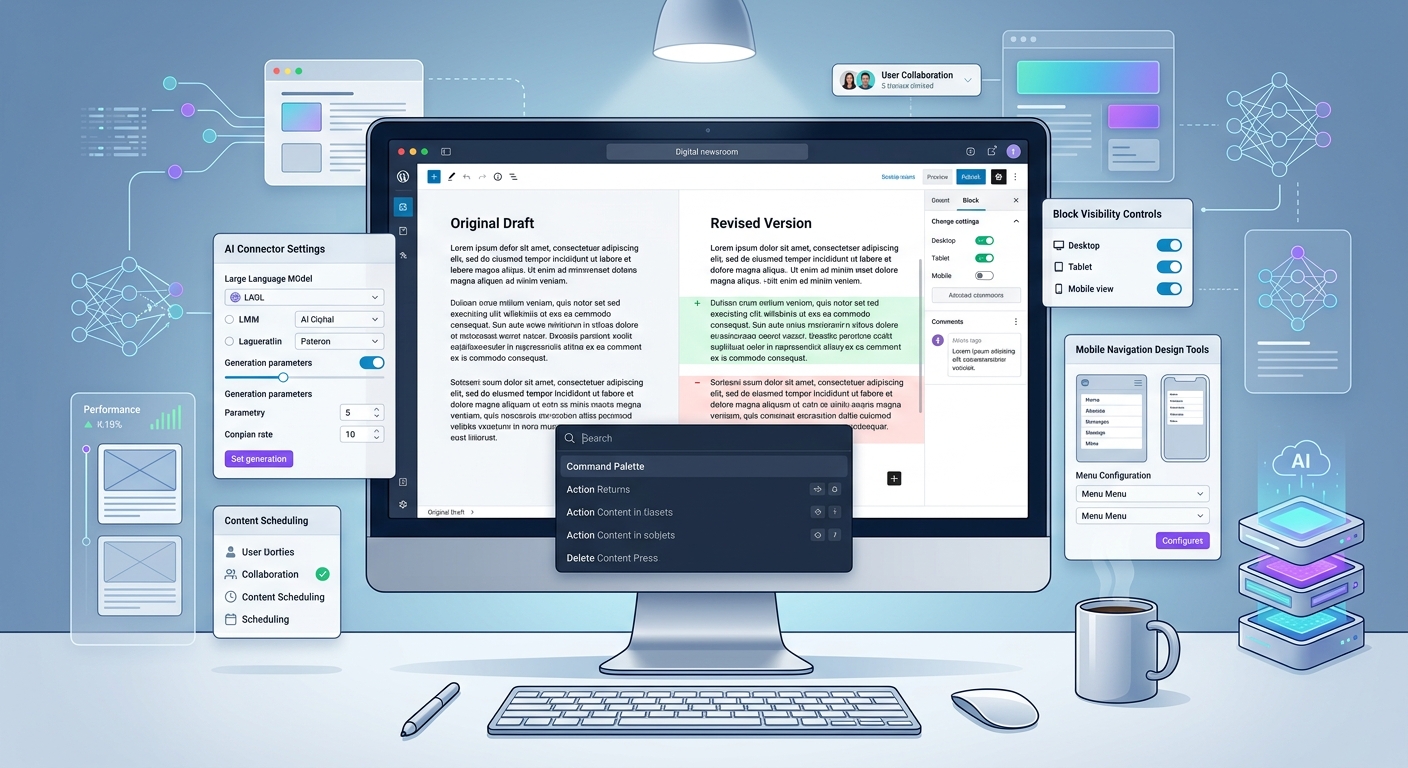
The headline feature is the new AI Client and Connectors API — a provider-agnostic architecture that lets plugins communicate with generative AI models through a standardized interface. Three providers ship out of the box: Anthropic, Google, and OpenAI, managed via a new Settings > Connectors screen.
For publishers, the significance isn’t the AI itself — it’s the abstraction. Instead of every plugin bringing its own API key management and provider integration, WordPress now has shared infrastructure for it. Content classification, automated tagging, excerpt generation, alt text — all the AI-assisted editorial workflows that plugins like ClassifAI have pioneered can now plug into a common backbone.
The WP_AI_Client_Prompt_Builder class and using_model_preference() function give developers a clean API, and the client-side Abilities API (@wordpress/core-abilities) extends this into the editor with reactive queries via useSelect. Plugin developers no longer need to roll their own AI plumbing.
Editorial workflow improvements
Visual revisions get a proper side-by-side comparison with a slider, color-coded change indicators, and the ability to jump to specific changes. For newsrooms where multiple editors touch the same piece, this is a meaningful upgrade over the old diff view.
Notes are now a first-class feature — auto-syncing, with a dashboard widget, notifications, and multi-block support. Think of it as lightweight editorial annotation built into core.
Pattern editing has been significantly refined. Pattern Overrides now support custom blocks, and contentOnly mode is the default for patterns, allowing editors to modify content within patterns without touching structure. For publishers using patterns as article templates, this closes the gap between design control and editorial flexibility.
Design and front-end
Block visibility by device. You can now control which blocks appear on which breakpoints — directly from the toolbar, inspector, or command palette. No more CSS hacks to show different content on mobile versus desktop. For publishers running different ad layouts or content arrangements by viewport, this is native support for something that previously required plugins or custom code.
Gallery lightbox with slideshow. The Gallery block now supports lightbox with a slideshow option. Photo-driven publishers get a native, performant way to present image series without third-party scripts.
Custom navigation overlays on mobile. Hamburger menus are now fully customizable via blocks and patterns in the Site Editor, with a dedicated Navigation Overlay Close block. Publishers can design mobile navigation that matches their brand instead of accepting the default.
Breadcrumbs block. Auto-generated from site hierarchy, with developer filters to customize trails and specify taxonomies. Good for SEO and reader orientation on deep content architectures.
Video embed cover blocks. Videos can now serve as section backgrounds in the Cover block — useful for feature stories and immersive editorial layouts.
Under the hood
IPTC alt text import. The new wp_get_image_alttext() function automatically imports alt text from IPTC metadata on upload. For publishers processing hundreds of wire photos daily, this is a quiet but significant accessibility win that reduces manual effort.
PHP-only block registration. Blocks and patterns can now be created entirely server-side with PHP and auto-registered via a 'supports' => array('autoRegister' => true) flag. For publisher dev teams maintaining custom blocks for article layouts, embeds, or paywall components, this simplifies the build chain considerably.
Block Hooks for custom post types. Block Hooks logic has moved from individual post type filters to the REST controller, making it easier to inject blocks into content-like CPTs — relevant for publishers using custom post types for newsletters, live blogs, or special projects.
Interactivity API improvements. The new watch() function and data-wp-watch directive make it easier to build reactive front-end features without a full JavaScript framework. Think live scoreboards, real-time election results, or dynamically updating breaking news banners.
The admin refresh
The entire wp-admin gets a new “Modern” color scheme with higher contrast, updated typography, and view transitions that slide between screens. The Command Palette (⌘K / Ctrl+K) is now accessible from the admin bar on every screen. It’s cosmetic, but it signals that WordPress is taking the admin experience seriously as a daily-use editorial tool, not just a settings panel.
What it adds up to
WordPress 7.0 is the release where the platform starts treating AI as infrastructure rather than a feature. The Connectors API, combined with responsive block visibility, improved revision workflows, and native device-aware content controls, moves WordPress closer to being a credible modern editorial system — not just a CMS that publishes pages.
For publishers evaluating or already running on WordPress, this is a release worth testing early. The field guide links to detailed dev notes for every major change.