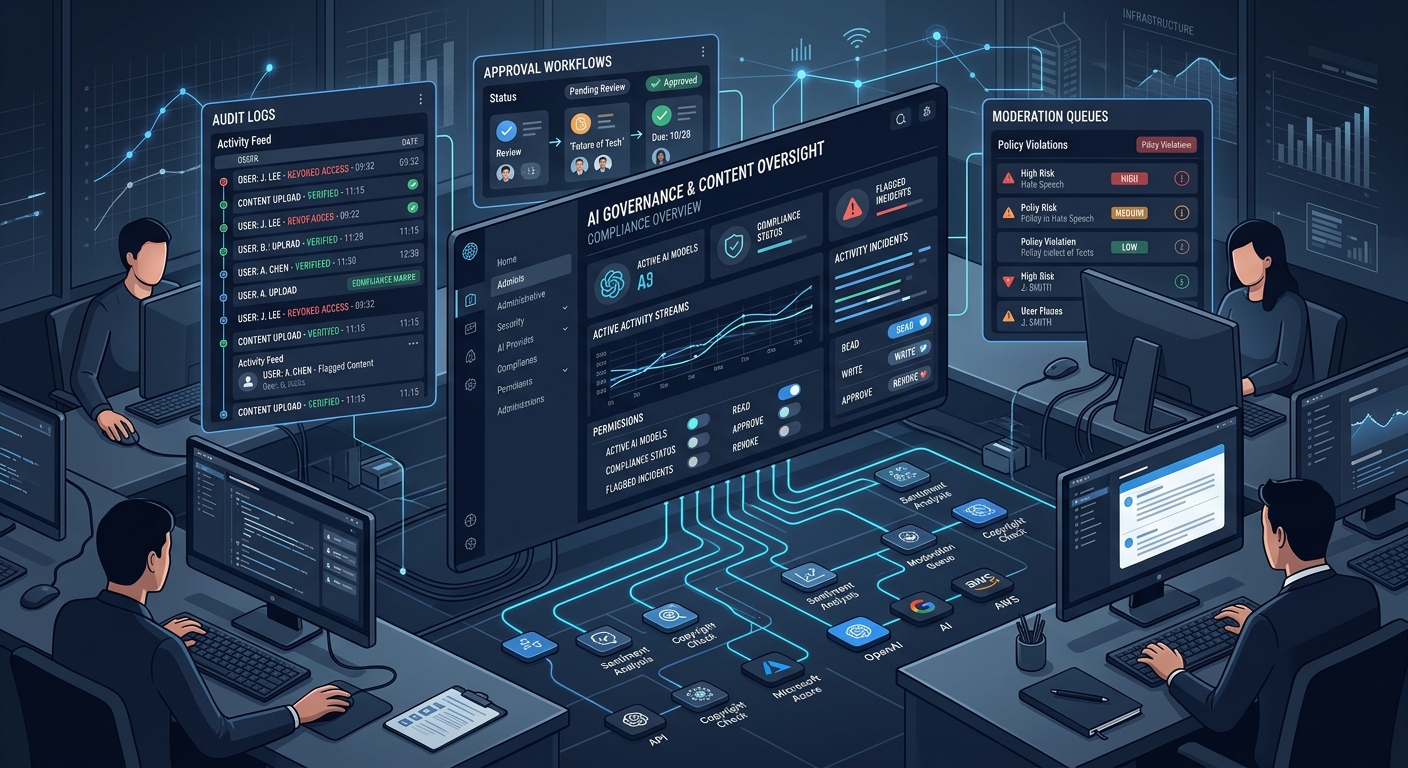
May 21, 2026 — The WordPress AI plugin reaches 1.0.0, and the milestone isn’t about flashy generative features — it’s about the governance infrastructure that enterprise publishers have been waiting for. Request logging, connector approvals, and expanded comment moderation workflows signal that WordPress is treating AI not as a novelty but as a managed capability that needs audit trails and administrative controls.
Key Themes
- Request logging gives administrators full observability into AI operations across core, plugins, and themes — the audit trail publishers need for compliance.
- Connector approvals let site admins control which plugins can access AI providers, closing a significant credential-sharing gap.
- Comment moderation gets sentiment and toxicity sorting, filtering, and dashboard integration — practical tools for high-volume community management.
- Editorial workflow refinements rename and tighten AI-assisted writing features, with smarter content-length thresholds and reactive state handling.
- The 1.1.0 roadmap includes content provenance via C2PA, type-ahead suggestions, and an AI Playground — the scope is expanding fast.
Jump to: 📋 Request Logging · 🔐 Connector Approvals · 💬 Comment Moderation · ✏️ Editorial Workflows · 🔮 1.1.0 Roadmap · 💡 Takeaways
📋 Request Logging
The headline experiment in 1.0.0 is request logging — a new observability layer that lets administrators review AI requests and responses from core, plugins, and themes. Admins can track which AI operations were triggered, which features and providers were used, review performance metrics, and identify debugging or workflow issues.
This is categorized as an experiment, meaning it’s opt-in and subject to iteration. But the architecture is clear: WordPress is building a centralized audit trail for all AI activity on a site.
Why this matters: For publishers operating under editorial governance policies, data processing agreements, or regulatory frameworks like the EU AI Act, knowing what AI operations are running on your site isn’t optional — it’s a compliance requirement. Request logging answers questions that enterprise publishers are already asking: Which AI providers are processing our content? How often? With what latency? What happens when a provider fails? The fact that this surfaces at the admin level rather than buried in server logs means editorial operations teams — not just developers — can monitor AI usage. For WordPress VIP clients and other managed hosting customers, this is the kind of observability that procurement teams ask about.
🔐 Connector Approvals
The second experiment is connector approvals — a governance layer that lets site administrators determine which plugins can access configured AI connectors. This means a site admin can configure an OpenAI or Azure connector and then explicitly approve or deny which installed plugins can use those credentials.
Why this matters: This solves a real problem for multi-plugin WordPress installations. Without connector approvals, any plugin that hooks into the AI framework could potentially use your provider credentials — and your API budget. For publishers running multiple AI-powered plugins (content classification, moderation, SEO optimization, image generation), connector approvals provide the credential isolation and cost attribution that IT teams require. It’s the difference between “we have AI on our site” and “we know exactly which tools are using which providers, and we approved each one.” That distinction matters when your CFO asks why the OpenAI bill tripled.
💬 Comment Moderation Workflows
Comment moderation, introduced in earlier releases, gets meaningful expansion:
- Sorting and filtering by Sentiment and Toxicity in the Comments screen
- Sentiment and Toxicity labels in the Activity dashboard widget
- Improved handling for comments lacking moderation metadata
- Better failed-analysis indicators when moderation requests fail
Why this matters: Publishers with active comment sections — and that’s still a significant portion of news and media sites — need moderation tools that scale beyond manual review. Sentiment and toxicity sorting turns the Comments screen from a chronological queue into a triaged workflow: moderators can surface the most toxic comments first, or filter by sentiment to understand community reaction to a story. The dashboard widget integration means editors can spot moderation trends without navigating away from their primary workspace. The improved failure handling is equally important — when an AI moderation request fails silently, toxic comments slip through. Explicit failure indicators close that gap.
✏️ Editorial Workflow Refinements
The AI-assisted editorial features get a terminology refresh and several functional improvements:
Naming changes:
- “Review Notes” is now “Editorial Notes”
- “Refine from Notes” is now “Editorial Updates”
Functional improvements:
- Content Summarization is now disabled until minimum content length is reached — no more generating summaries of a single paragraph
- Title Generation and Content Classification react to editor state changes, updating suggestions as content evolves
- Refined loading states and interface polish across AI workflows
- AI Alt Text integrated into Gutenberg’s experimental media editor, with better error handling when no provider is configured
Provider handling also improves: better detection with actionable guidance, more specific error messages, and improved handling when previously configured providers become unavailable.
Why this matters: The terminology changes seem cosmetic but reflect a strategic positioning shift — “Editorial Notes” and “Editorial Updates” frame AI assistance as part of the editorial workflow, not a separate AI feature. The content-length threshold for summarization is the kind of practical guard rail that prevents editors from losing trust in the tool. And reactive title/classification updates are genuinely useful: as a reporter writes and refines a story, the AI suggestions evolve with the content rather than requiring manual re-triggering. These are the refinements that determine whether editorial staff actually adopt AI tooling or dismiss it after a week.
🔮 What’s Coming in 1.1.0
The planned 1.1.0 release is ambitious:
- Content Provenance via C2PA — tracking for both text (#294) and images (#302), with manifest detection on upload (#421)
- Type Ahead Suggestions (#151) — inline AI completions in the editor
- AI Playground (#32) — a sandbox for testing AI capabilities
- Real-time Collaboration integration for Editorial Notes (#324)
- Media Editor integration with focus-aware crop suggestions (#325, #238)
- Promoted AI Provider Connectors (#502) — connectors graduating from experimental
Why this matters: The C2PA content provenance work is the standout item. As AI-generated content proliferates and platforms like Google and social networks begin differentiating between human and AI content, publishers who can attach provenance metadata to their work gain a trust signal that matters for distribution and credibility. WordPress building this at the platform level — not as a third-party plugin — means it could become a default capability for every WordPress site. For media publishers already navigating AI disclosure requirements, this is significant infrastructure.
Type-ahead suggestions will be the most visible feature for editors, and will inevitably draw comparisons to tools like Notion AI and Google Docs. The AI Playground suggests WordPress is building a testing surface that could help publishers evaluate providers before committing — useful for procurement decisions.
Update (July 14, 2026): AI 1.1.0 shipped June 30 — Type-ahead landed as an experiment, but C2PA content provenance and the AI Playground slipped to the 1.2.0 milestone. Full analysis in the WordPress AI 1.1.0 recap.
💡 Takeaways
- Request logging is the governance feature enterprise publishers have been missing. If your organization has AI usage policies or regulatory requirements, this is the mechanism to enforce them. Evaluate it as soon as it’s available on your environment.
- Connector approvals close the credential-sharing gap. Publishers running multiple AI-powered plugins should audit which tools currently have access to provider credentials — connector approvals give you explicit control.
- Comment moderation is evolving from classification to triage. If you’ve been managing comments manually or through basic keyword filters, the sentiment and toxicity sorting is a meaningful upgrade.
- Editorial workflow naming reflects strategic intent — AI features are being positioned as editorial tools, not AI novelties. Watch how this framing evolves as type-ahead and provenance features land.
- C2PA content provenance in 1.1.0 could be the most consequential feature on the roadmap. Publishers should start understanding C2PA now — the standard, the ecosystem, and the distribution advantages it may confer.
The full changelog and contributor list are available on Make WordPress AI. The release spans 44 commits across 193 files, with 37+ contributors.